Overview
This document provides a high-level description of the functionalities offered by the KYB Platform. The tool enables you to conduct a comprehensive verification process- from data collection to risk assessment and final approval. The document is divided into sections presenting the individual components that comprise the KYB Platform.
Terminology
This section explains the meaning of key terms and concepts used in this document.
|
Name |
Description |
| KYB | Know Your Business-process of verifying the identity and credibility of business clients. |
| AML | Anti-Money Laundering- refers to a set of procedures and regulations aimed at preventing money laundering and terrorist financing. |
| KYB Form |
A form used to collect information about the verified merchant directly by the Representative. |
| Customer Panel | A panel that merchants can access after completing the form. It provides access to operator comments, data editing, and insight into the current verification status. |
| Administration Panel |
It is a tool for carrying out the KYB process, communicating with merchants, and monitoring onboarding thanks to functionalities that enable a transparent and efficient process. |
| Sanction list | Sanction lists are official registers of individuals, companies, organizations, and even entire governments subject to restrictions imposed by states or international organizations. |
Components
KYB Form
The KYB Form is an interactive tool that serves as the business client's first point of contact with the verification process. The form completion process consists of five main steps:
|
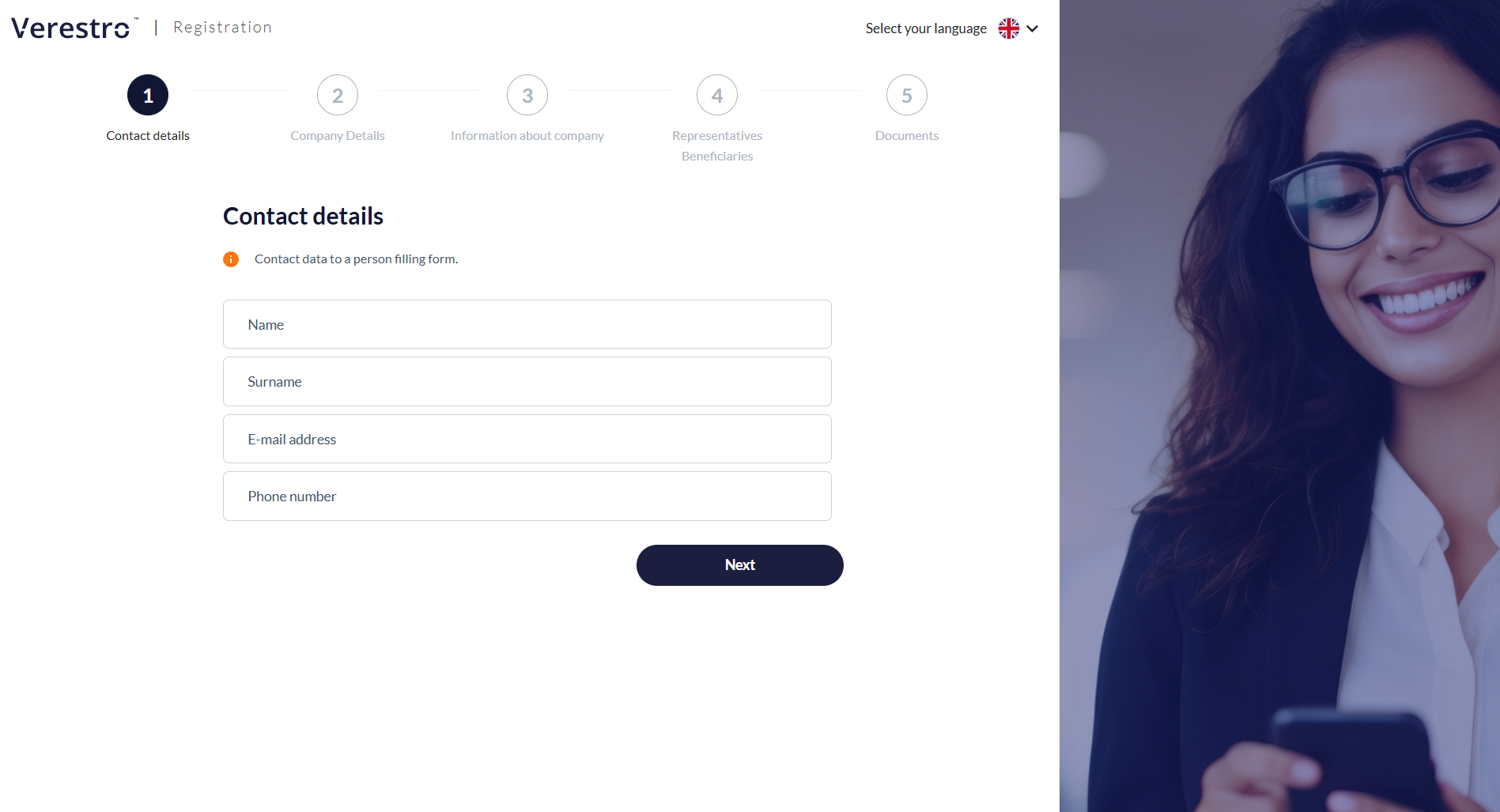
Step 1: Contact details
Importantly, right after this step, the system sends an e-mail to the provided address with a unique link to the registration process. This ensures the user doesn't lose the entered data and can click the link at any time to resume filling out the form exactly where they left off. |
|
|
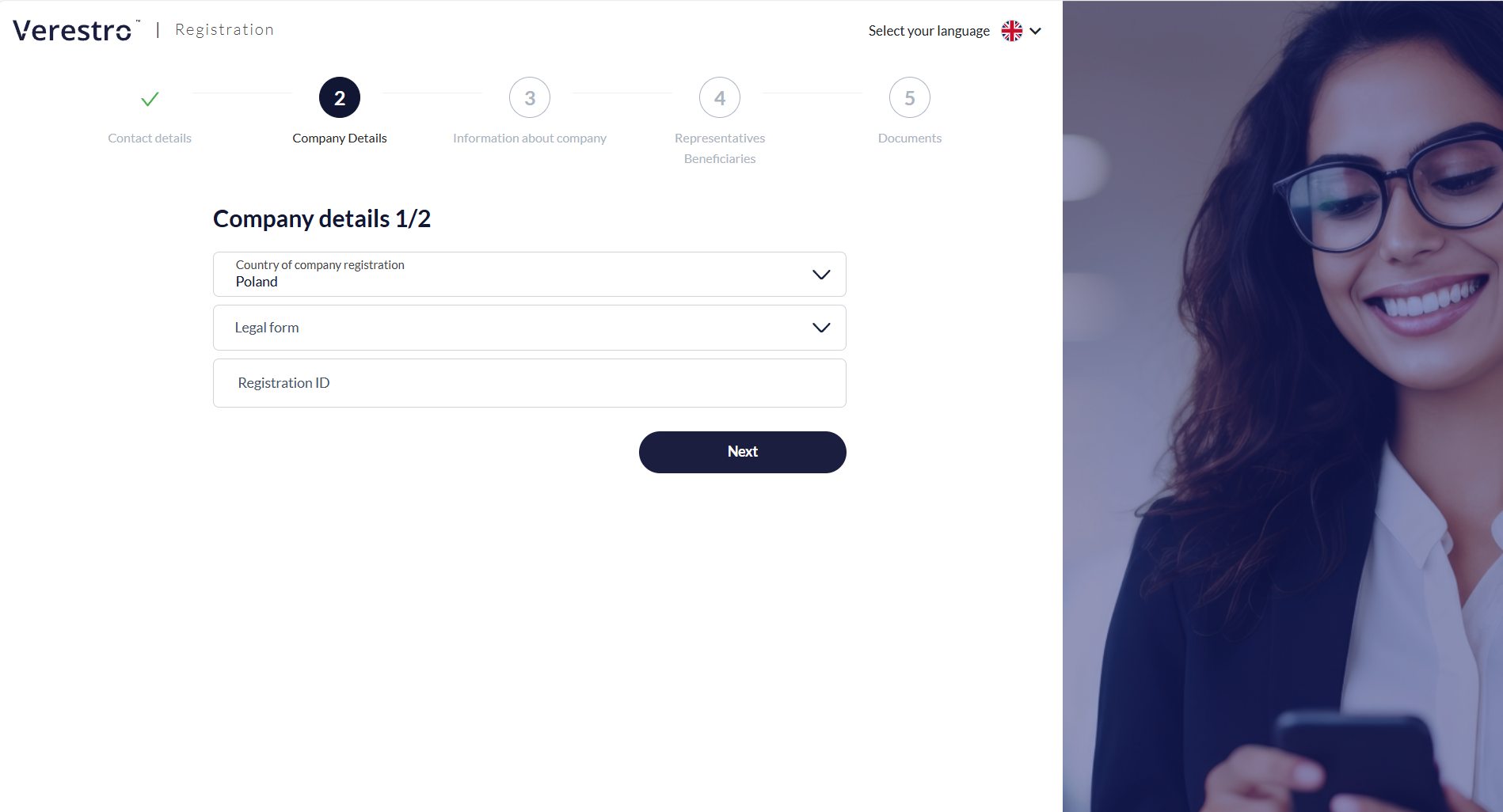
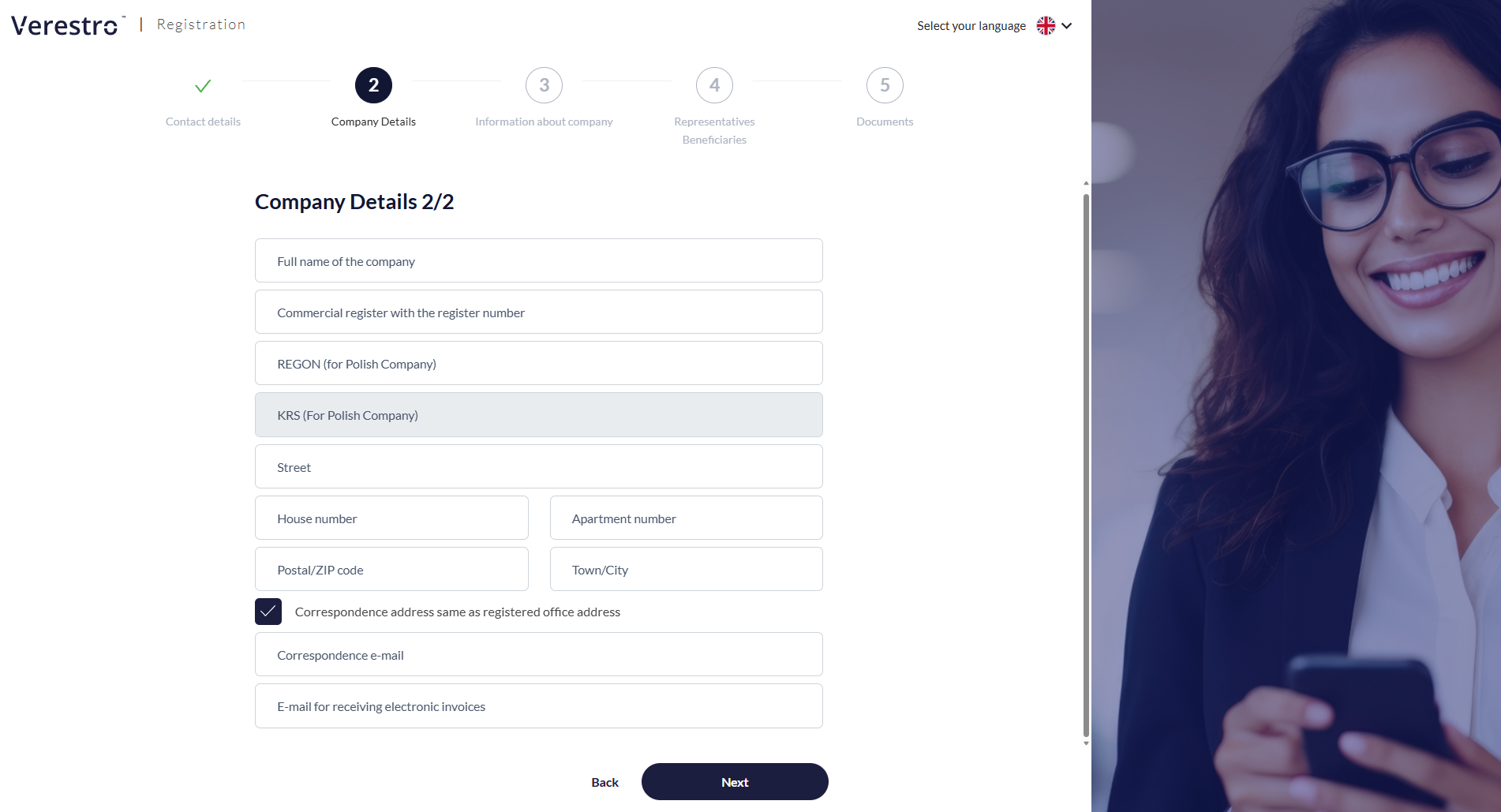
Step 2: Business entity identification
For Polish entities, based on the NIP (Tax ID), some fields will be filled in automatically. The NIP (Tax ID) cannot be edited at any stage by either the AML operator or by the client in the Customer Panel. |
|
|
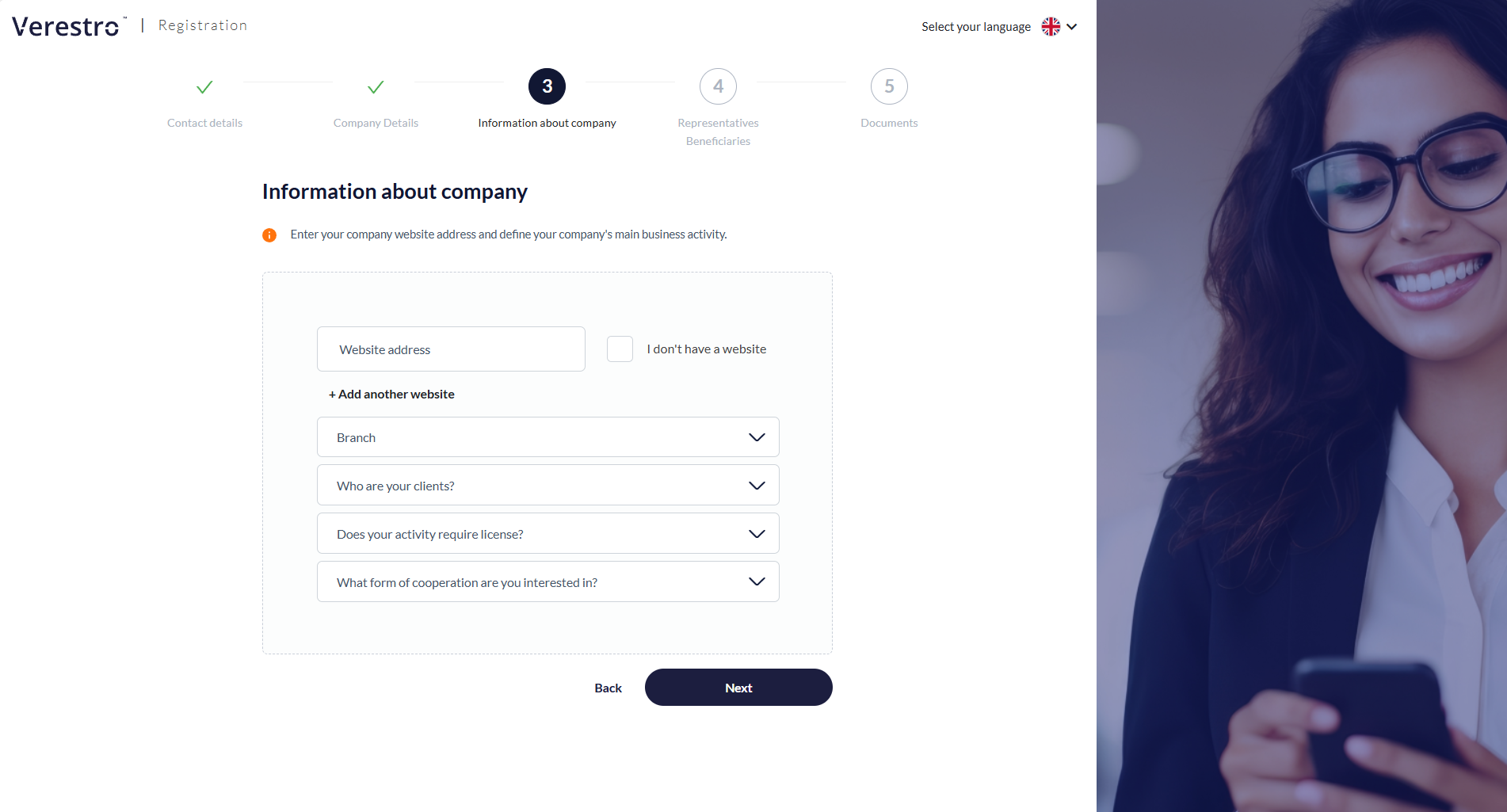
Step 3: Business profile
|
|
|
Step 4: Representatives and Ultimate Beneficial Owners (UBO)
The UBO must additionally declare their shares and any other potential forms of control.
The form is flexible and allows for the addition of multiple representatives and beneficiaries, depending on the company's ownership structure. |
|
|
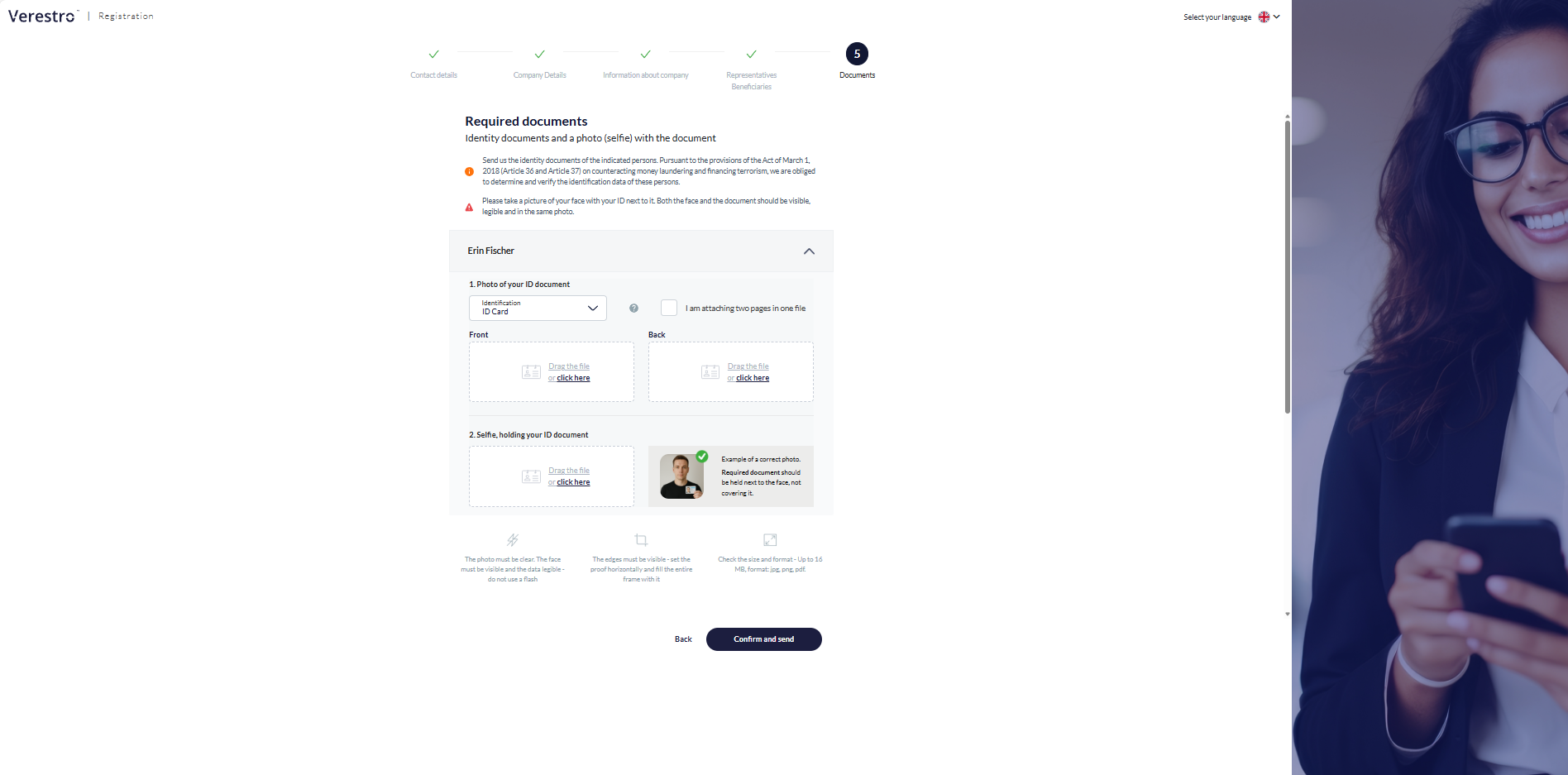
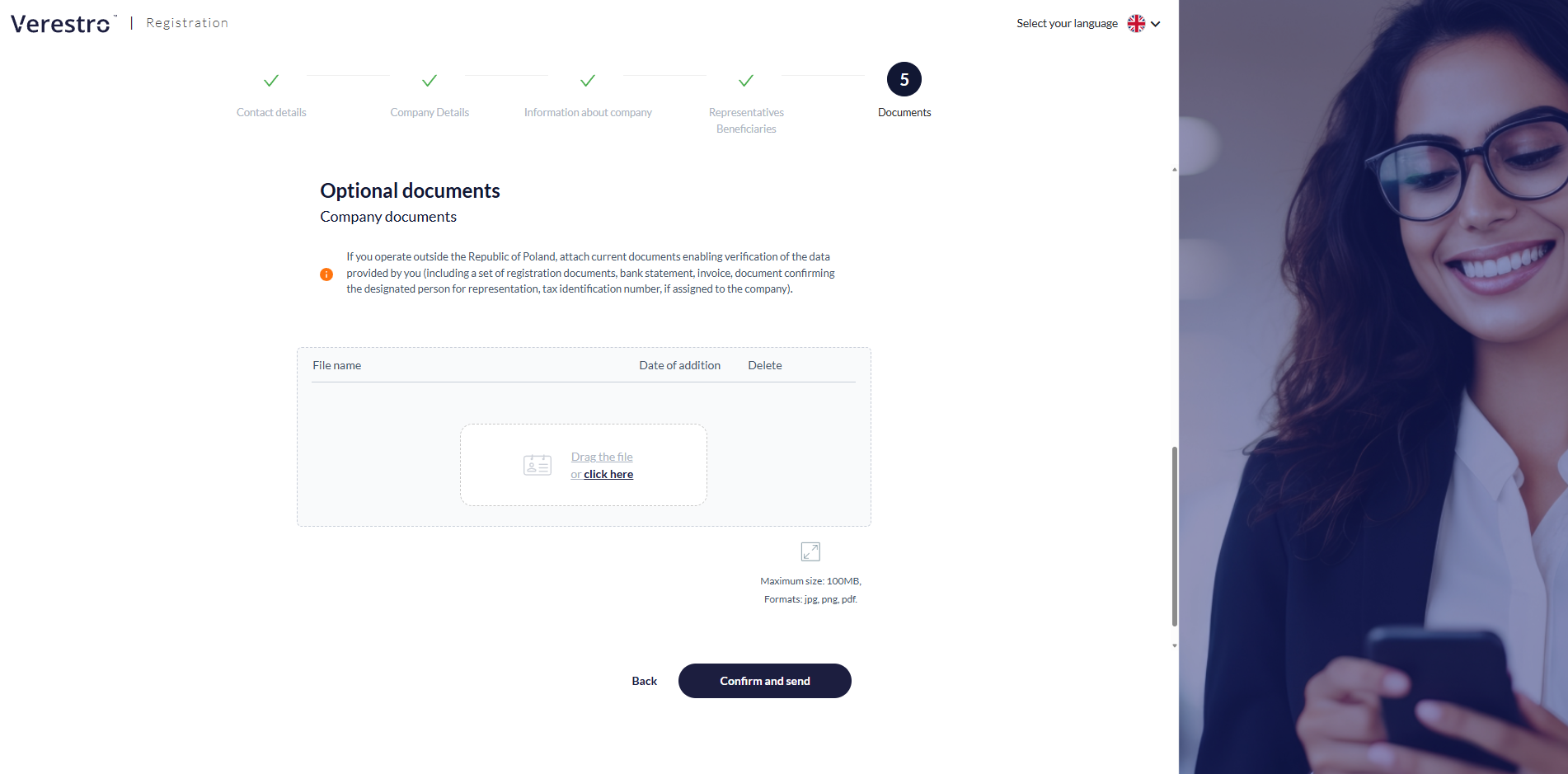
Step 5: Identity verification and additional attachments
The client can upload additional documents or wait for contact from an AML department employee, who will precisely indicate what additional documents (e.g., shareholding structure) will be necessary for the successful completion of the verification.
After submitting the form, the client receives an e-mail confirmation of the application submission, and the status in the system changes. The documentation goes to the AML department, where an analyst begins the risk assessment. |
|

Customer Panel
The Customer Panel is a dedicated environment for business clients who have completed the first stage of registration, which is submitting the KYB form. This panel serves as the main communication center between the verified company and the AML (Anti-Money Laundering) department operating on the service provider's side.
Access to the panel is granted via a unique link sent in the e-mail confirming the receipt of the application.
The main functions and capabilities of the Customer Panel include:
|
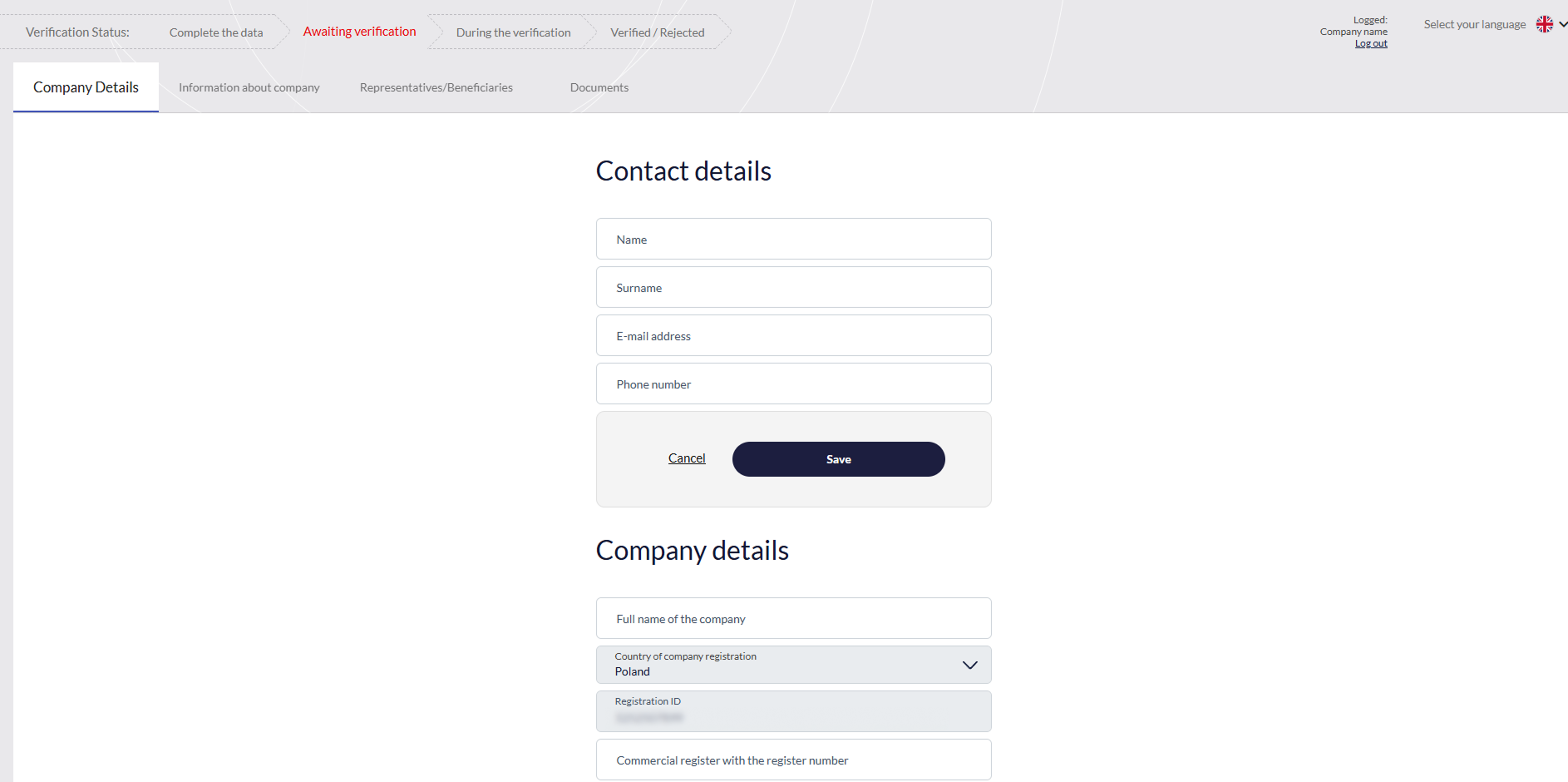
Real-time verification status tracking
Review of entered data
|
|
|
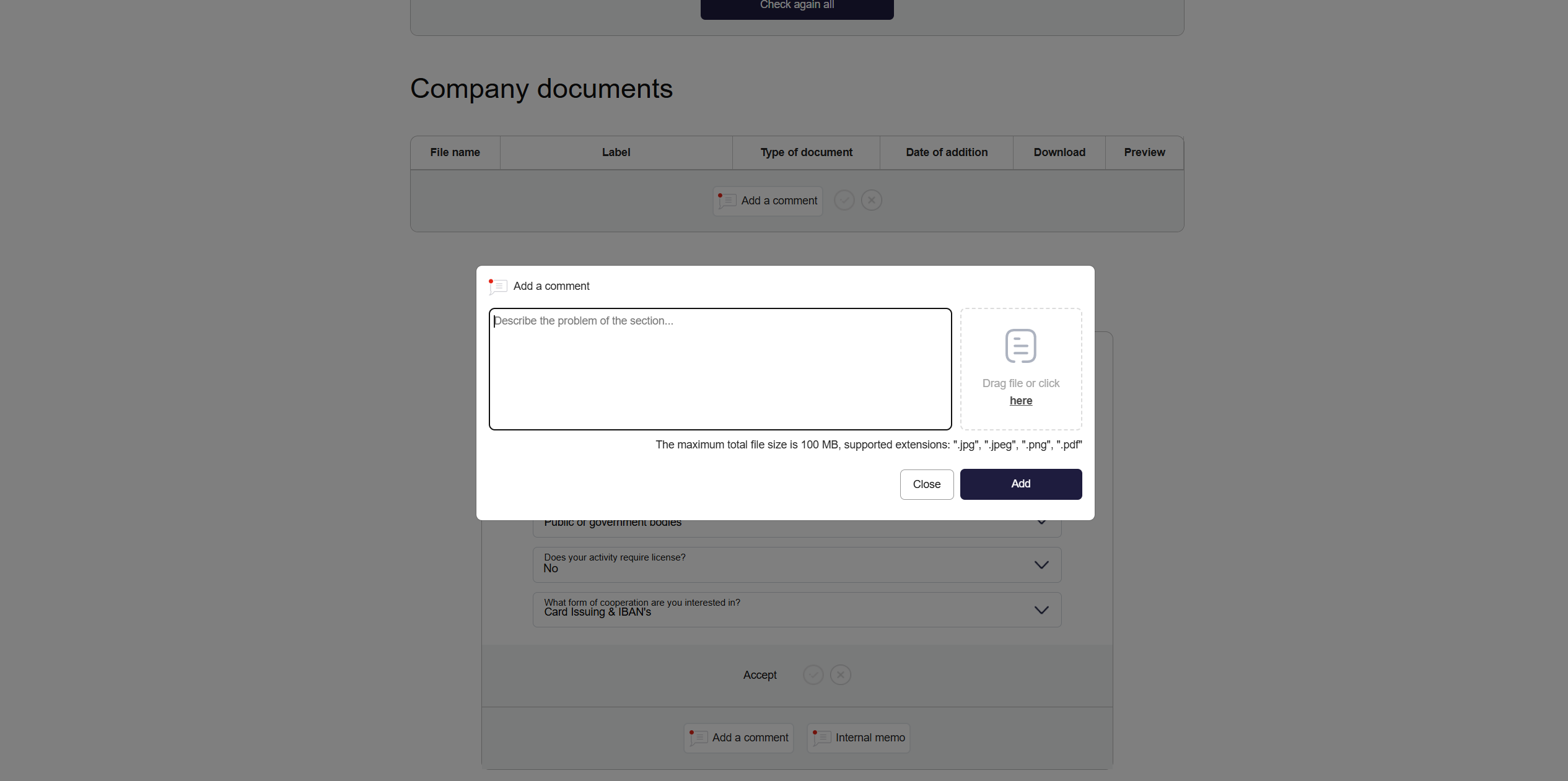
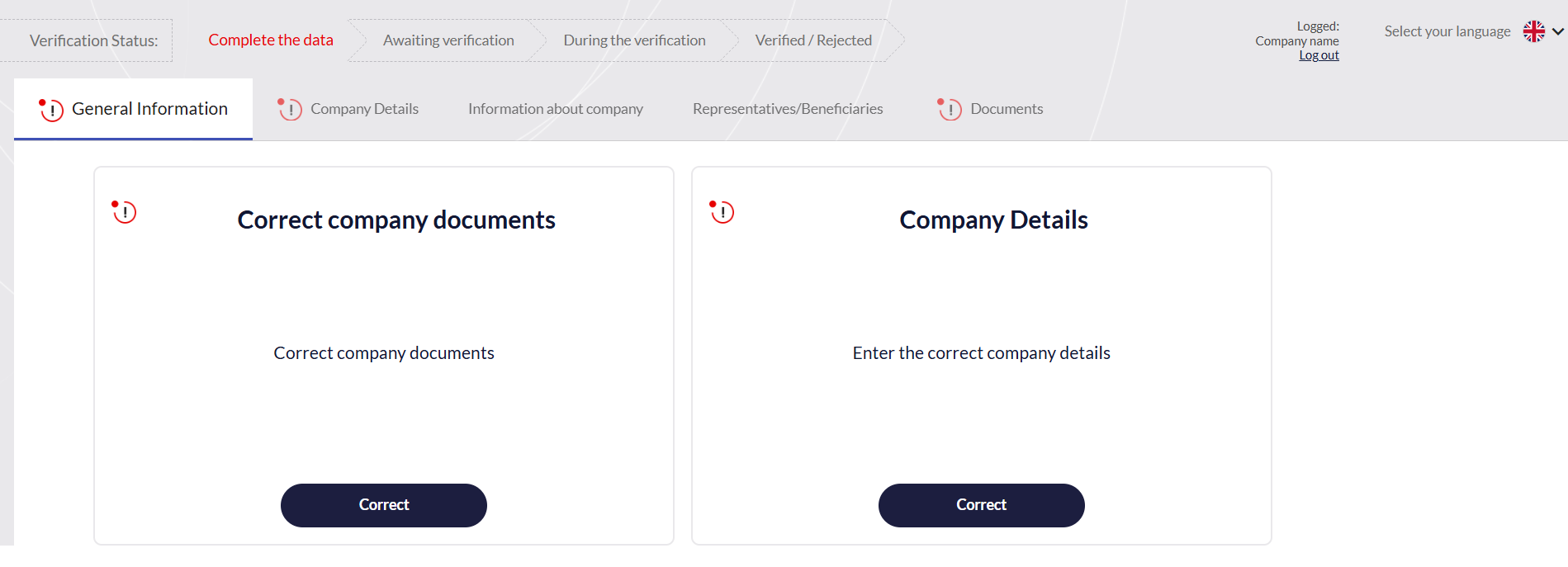
Receiving and handling comments from AML operator
|
|
|
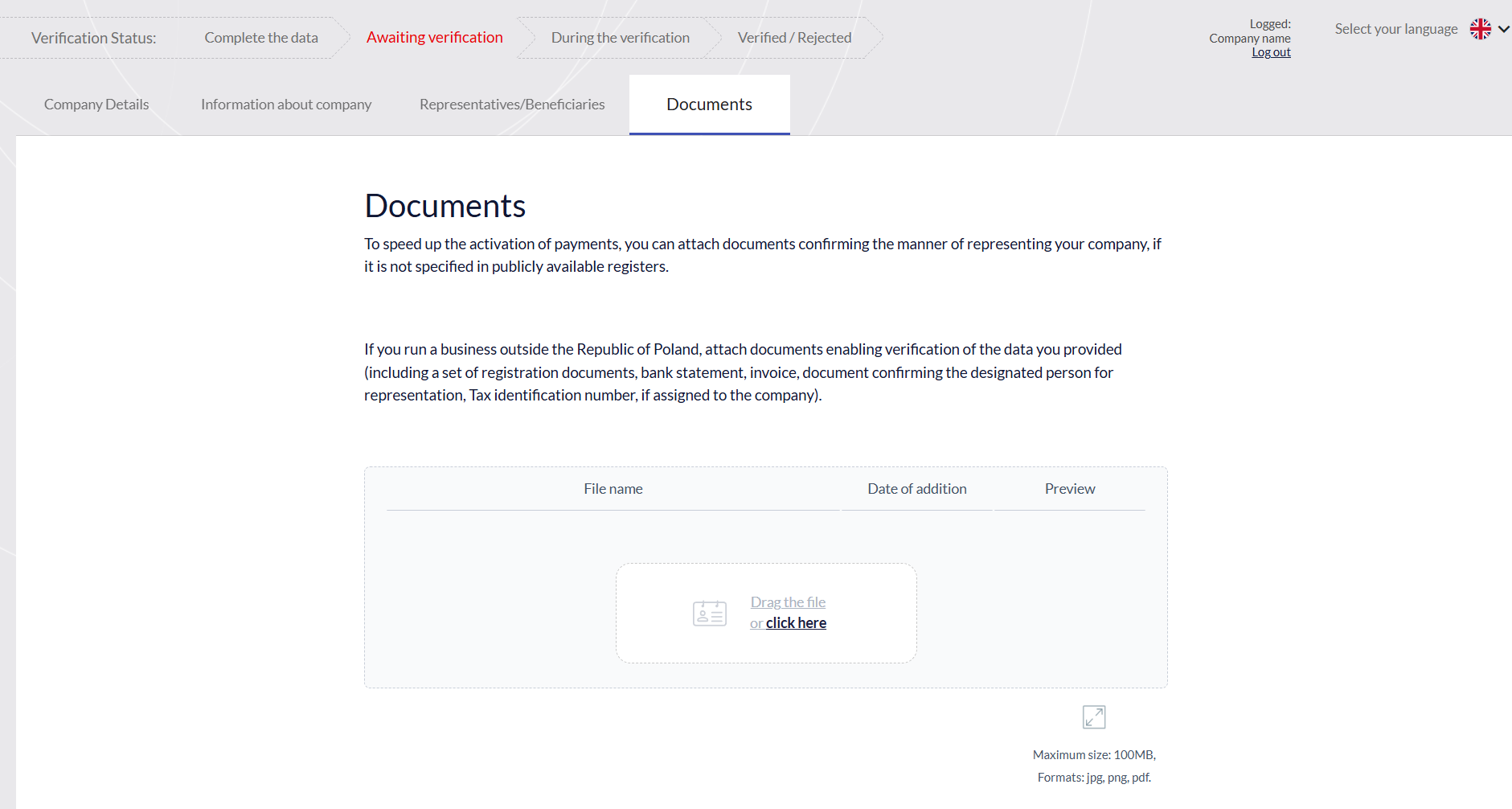
Providing missing documents
|
|
Ensuring process continuity
The Customer Panel plays a key role not only during the initial onboarding but also during the so-called "periodic verification." If refreshing the company's data is required after some time, the client may be asked to log into the panel to make the necessary corrections and re-approve the information.
Administration Panel
The Administration Panel is a tool for managing the onboarding process, risk analysis, and monitoring of business entities. The panel ensures transparency of operations and offers a range of tools necessary for efficient verification.
The main functions and modules of the Administration Panel include:
|
Client Management
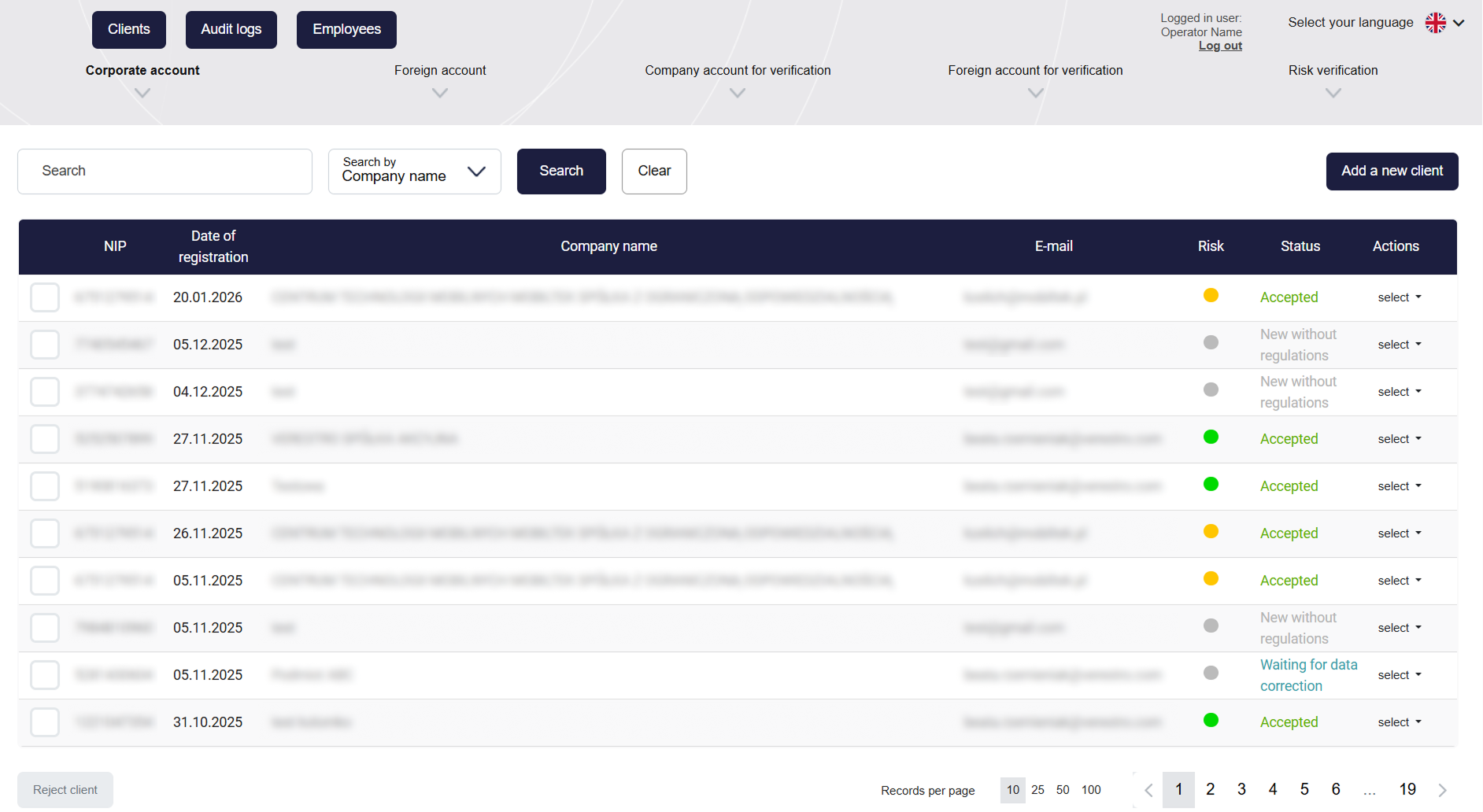
Operators can search for entities using filters such as e-mail, Tax ID (NIP), or company name.
The system automatically assigns statuses to clients reflecting the stage of their verification- from "New", through "To verify", "Waiting for data correction", up to the final "Accepted" or "Rejected". |
|
|
Verification
You can find more information in the Use Cases tab. |
|
|
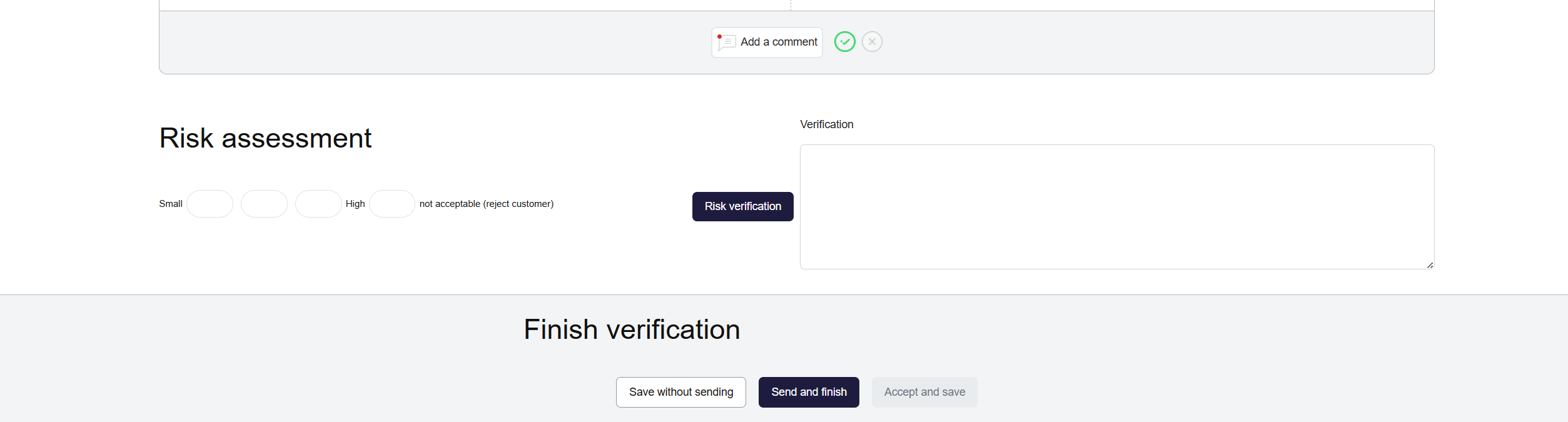
Risk Assessment and Verification Completion
|
|
|
Permissions Management
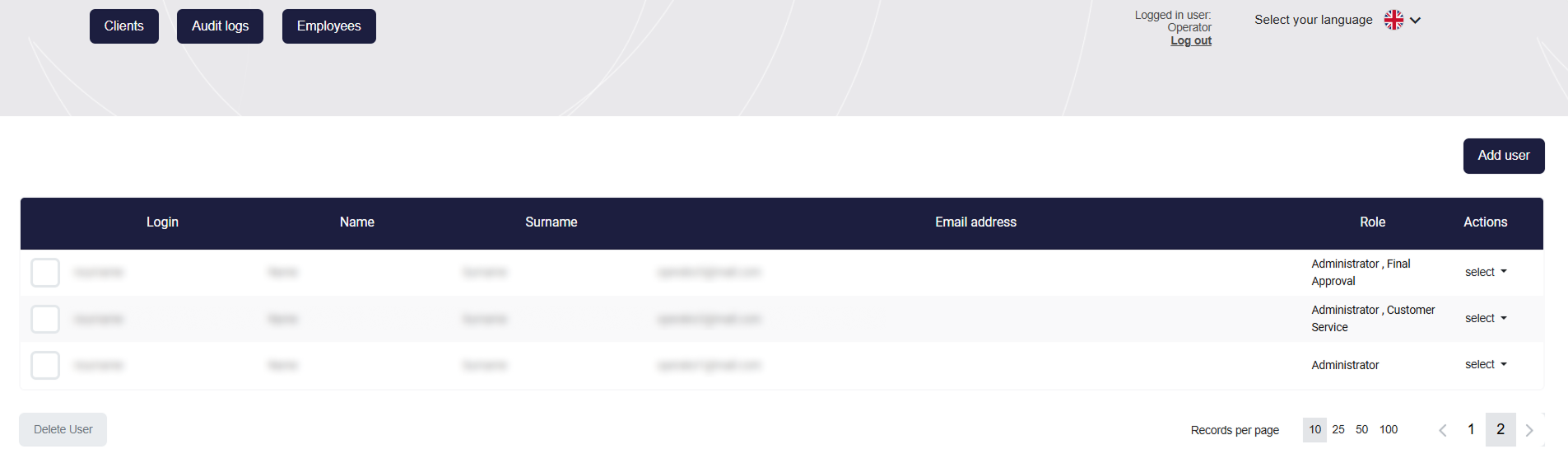
Administrators can add accounts for employees and assign them specific roles. This allows for strict access control and division of responsibilities within the team. Additionally, notifications about the appearance of new applications can be configured. |
|
|
Audit logs
A global registry of all actions taken in the system by operators, the clients themselves, and by automatic rules. Audit logs are available globally and in the client card - regarding that customer. |
|
|
Client Card |
|